


Digital Lockout Prevention: End of Life Planning
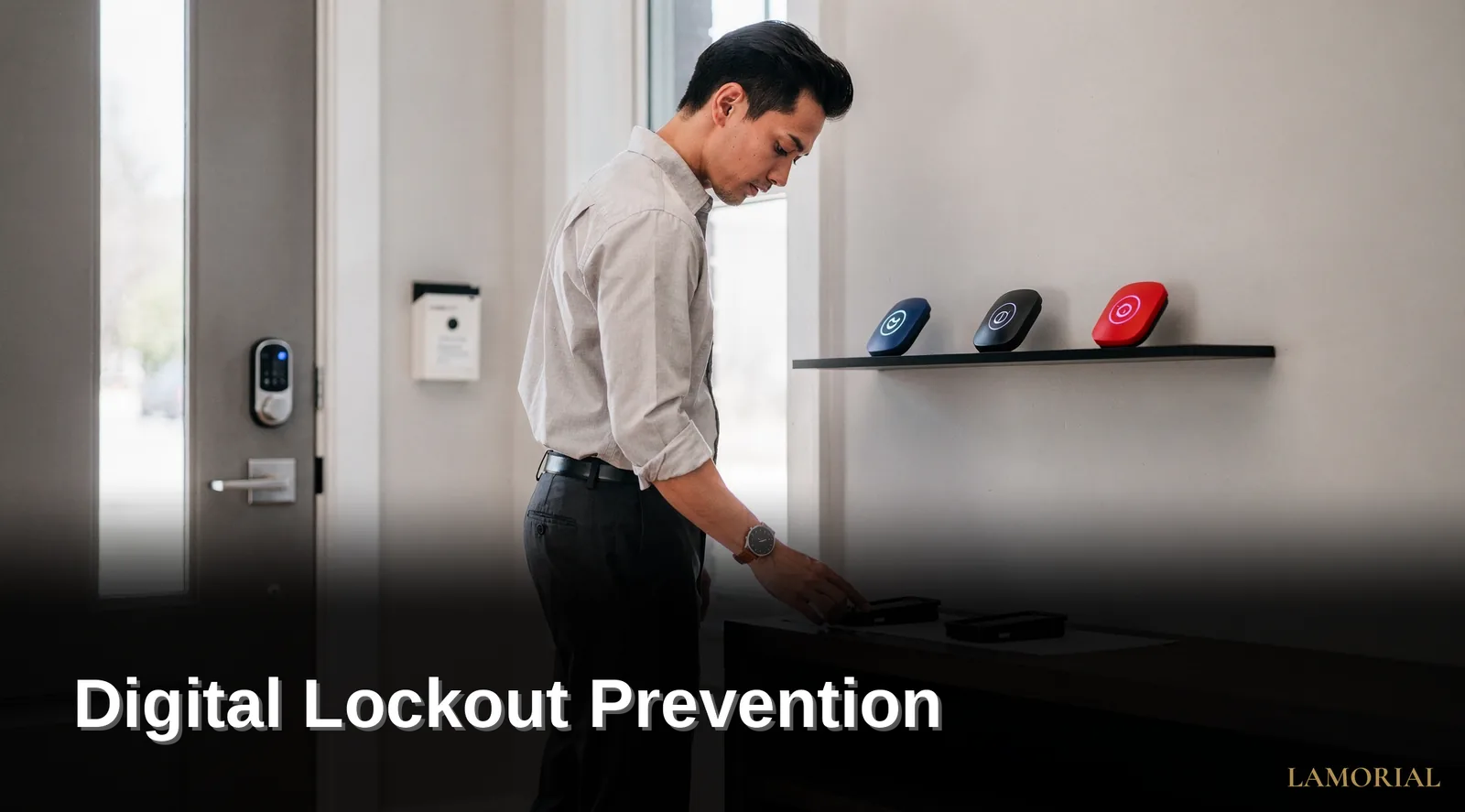
Digital lockout prevention requires documenting passwords, recovery options, and account details before a crisis forces family members into guesswork. The LAMORIAL™ End of Life Planner & Journal organizes this information systematically, eliminating over 1,200 hours of administrative detective work and preventing loved ones from losing access to photos, accounts, and irreplaceable memories.
The 3-Step Digital Lockout Prevention Plan That Protects Every Account
Digital lockout prevention starts with a simple truth: every account a person holds today becomes a potential dead end tomorrow. Strong recovery options, secure backups, and thoughtful password habits dramatically reduce the risk of lockouts, which are increasingly common as more services tighten security. Without a plan, families face the permanent loss of photos, financial records, and decades of memories. The cost of inaction is measured in unrecoverable data, not just inconvenience.
Step 1: Audit Every Account and Document Current Access
Begin by listing every digital account that matters. This includes email, banking, cloud storage, social media, utilities, and subscription services. For each account, record the login method, the recovery email or phone number on file, and whether two-factor authentication is active. Most people underestimate the total count of accounts they hold, and each one represents a potential lockout point. This audit becomes the foundation of password access planning, turning vague awareness into a concrete inventory.
Step 2: Establish Recovery Options and Test Them Immediately
For every critical account, verify that recovery options are current and functional. Update the recovery email and phone number to a trusted family member's contact, not just the account owner's own devices. Test each recovery path while access still works — resetting a password takes two minutes now but becomes impossible after a lockout. Pay special attention to devices with biometric locks, such as Face ID or fingerprint recognition. A permanently locked phone or laptop can seal off every account tied to it. Manufacturers often require proof of purchase and weeks of verification to unlock a device after the owner dies.
Step 3: Create a Secure Access Plan for Family Members
Account access after death-037 requires deliberate preparation, not hope. Store the master inventory, passwords, and recovery codes in a secure location that a designated family member can reach. Options include a password manager with a legacy contact feature, a locked safe with written credentials, or a sealed envelope with a trusted executor. The plan must name a specific person and give them clear instructions on what to access and when. Without this step, grieving families spend months fighting tech companies for access — and often lose the data permanently. A single afternoon of preparation prevents that outcome.

Building a Digital Lockout Prevention Plan That Survives You
Digital lockout prevention starts with a single, uncomfortable question: if you died tonight, could your family unlock your phone, read your passwords, and reach your photos? For most adults, the answer is no. Reports on account lockout issues show that even routine events like a Windows 11 upgrade can trigger permanent domain account lockouts, and a single forgotten password can seal off years of memories. The cost of inaction is measured in lost family history, not just lost time. Building a plan now eliminates 1,200+ hours of administrative detective work later, and it ensures your loved ones never face the same wall that locked one family out of 14 years of iCloud photos after an iPhone's Face ID failed permanently.
Step 1: Inventory Every Account That Matters
Start by listing every digital account you hold. Include email, banking, social media, cloud storage, streaming services, and utility portals. Most people underestimate the count of active accounts they hold. Write them down in a single document, whether paper or encrypted digital file. For each account, note the service name, the email or username used to log in, and the recovery email or phone number attached to it. This inventory becomes the backbone of your password access planning. Your family cannot request access to an account they do not know exists.
Step 2: Document Passwords in a Secure, Accessible Format
A password manager is the most practical tool for this job. A printed, sealed envelope in a home safe works just as well. The key is that your designated person must be able to find and open it. If you use a password manager, write down the master password on paper and store it separately from the device. Do not rely on memory alone. A 2022 account lockout case involving a user who was locked out daily required an administrator to reset her password. Unlock her account through Active Directory every single morning. That same failure mode hits families after death, when no administrator exists to help. Your written record is the only recovery path.
Step 3: Set Up Account Access After Death-037 Protocols
Account access after death-037 refers to the formal process of transferring or retrieving digital accounts when the owner is gone. Each major platform has its own rules, and they vary widely. Google's Inactive Account Manager lets you designate a trusted contact who receives access after a set period of inactivity. Apple requires a Legacy Contact, who needs a special access key to unlock the deceased's data. Facebook offers a Memorialized Account option with a legacy contact. Document these choices for each service in your inventory. Where a platform offers no built-in option, note the legal path — usually a court order or executor letter — that your family would need to pursue.
Step 4: Prepare Your Devices for Handover
Device lockout is the most common and most painful failure point. Face ID and fingerprint scanners become permanent barriers after death. The family who lost 14 years of photos discovered when Apple refused to unlock the iPhone. To prevent this, record your device passcodes in your secure document. Then, on each device, enable the emergency access features your operating system provides. On Android, set up a trusted contact for the device. On iPhone, add a Legacy Contact in the Settings app under Passwords & Security. These steps take five minutes per device and remove the single largest obstacle your family will face.
Step 5: Store the Plan Where Your Family Can Find It
A plan locked in a password manager your spouse cannot open is worthless. Store a physical copy of your inventory and passwords in a fireproof safe. Tell your designated person where the key or combination lives. Give a second copy to your estate attorney or a trusted sibling. The Lamorial End of Life Planner & Journal exists precisely for this purpose. It is written to feel calm, human, and surprisingly comforting. The document your family reads during grief does not read like a legal brief. The planner consolidates your digital inventory, your passwords, and your final wishes into one place, eliminating the 1,200+ hours of administrative detective work that otherwise falls on your children.
Step 6: Review and Update the Plan Twice a Year
Digital life changes fast. New accounts open, old ones close, passwords rotate, and recovery methods shift. Schedule two review dates per year — one near your birthday and one near the holidays — to update your inventory and confirm your designated person still knows where everything lives. Test the system once annually by asking your designated person to locate the document and open one non-critical account with it. This dry run exposes gaps while you are still alive to fix them. Without this review cycle, your careful planning decays into the exact lockout scenario you built it to prevent.
What mistakes lock families out forever?
The single most devastating mistake families make is failing to document password access planning before a loved one dies. When a mother passed away, her iPhone remained locked with Face ID permanently. Her family spent three months fighting with Apple and never recovered her iCloud photos. Fourteen years of family photos disappeared entirely because no backup access was documented.
Why do security features become permanent barriers?
Account lockout mechanisms, designed to protect against brute-force attacks, automatically lock accounts after multiple failed login attempts. These security controls track failed login attempts and temporarily prevent access to locked accounts. A family member guessing a password triggers the lockout, making recovery exponentially harder. In corporate environments, one user experienced daily lockouts requiring password resets and unlocks via Active Directory — a pattern that repeats endlessly for grieving families.
What specific steps prevent permanent digital lockout?
Families need three concrete protections:
-
Document every device passcode and biometric backup method (Face ID, fingerprint, PIN)
-
Record cloud storage credentials for iCloud, Google Photos, and other photo repositories
-
Store recovery codes for two-factor authentication apps in a physical location
Without account access after death planning, families fight tech companies instead of grieving. The administrative detective work consumes 1,200+ hours — time spent locked out of memories that can never be recovered. Start your plan today with the LAMORIAL End of Life Planner, or store your finished inventory in a fireproof, water-resistant document case to secure your family's digital legacy.
Conclusion
In closing, preventing digital account lockout at end of life requires intentional planning and clear documentation of the access chains your family will need. By mapping your passwords, recovery methods, and account details in one organized place, you transform a potential crisis into a manageable process. Your loved ones deserve clarity during their most difficult moments—and you deserve the peace of mind that comes from knowing they'll have access to what matters most.